
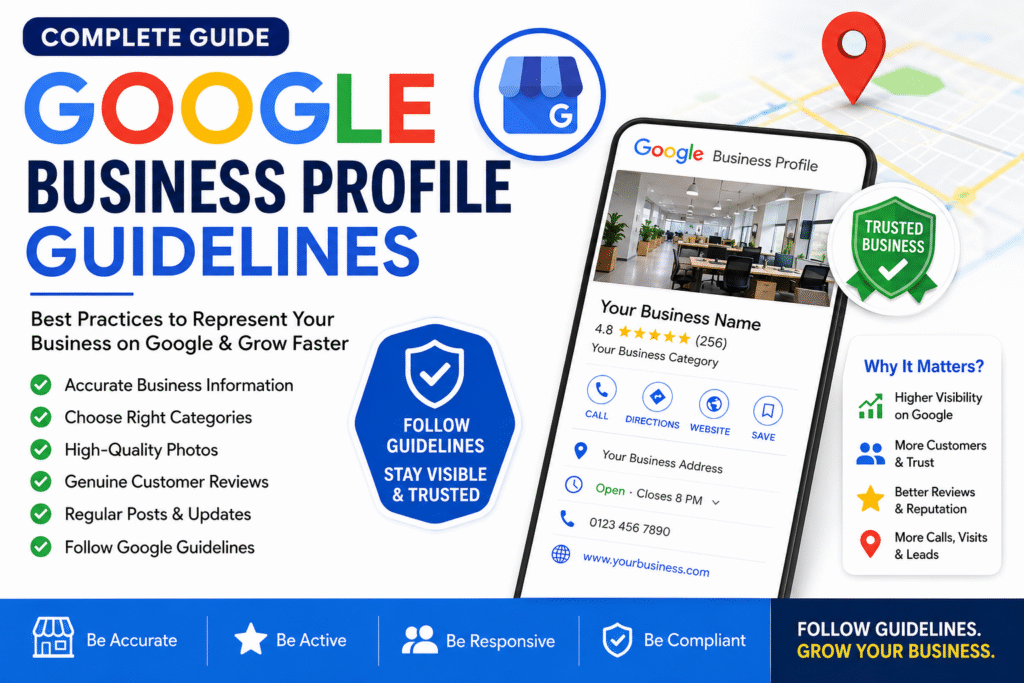
Google Business Profile Guidelines: Complete SEO Guide to Represent Your Business on Google (2026)
Learn How to Optimize Your Google Business Profile for Better Local SEO and Higher Google Maps Rankings
If you want your business to appear at the top of Google Search and Google Maps, creating a Google Business Profile (GBP) is only the first step. To achieve long-term success, you must follow Google Business Profile Guidelines and optimize your profile according to Google’s best practices.
A properly optimized Google Business Profile helps improve your local SEO, builds customer trust, increases visibility, and generates more phone calls, website visits, and leads. Businesses that ignore Google’s guidelines risk lower rankings or even profile suspension.
In this guide, you’ll learn everything you need to know about representing your business on Google the right way.
What Are Google Business Profile Guidelines?
Google Business Profile Guidelines are official rules that help businesses display accurate and trustworthy information on Google Search and Google Maps. Following these guidelines ensures that customers receive reliable information while helping businesses improve their local search performance.
When your profile follows Google’s policies, you are more likely to appear in the Google Local Pack, Google Maps, and local search results.
Why Google Business Profile Optimization Is Important
A well-optimized Google Business Profile offers several benefits:
- Improve Local SEO rankings
- Increase visibility on Google Search and Google Maps
- Build trust with potential customers
- Generate more calls, enquiries, and bookings
- Drive more traffic to your website
- Increase direction requests and store visits
- Protect your profile from suspension
For businesses serving local customers, Google Business Profile optimization is one of the most effective digital marketing strategies.
1. Use Your Official Business Name
Your business name should match the name used on your storefront, website, invoices, and legal documents.
Correct Example
Guru Kirpa Taxi Service
Incorrect Example
Best Taxi Service in Jalandhar | Cheap Airport Taxi | 24/7 Cab Booking
Avoid adding:
- Keywords
- City names
- Promotional phrases
- Phone numbers
- Special characters or emojis
Keyword stuffing can violate Google’s policies and negatively impact your profile.
2. Choose the Most Relevant Business Category
Selecting the correct category helps Google understand your business.
Examples include:
- Taxi Service
- Website Designer
- Marble Polishing Service
- Restaurant
- Auto Repair Shop
- Electrician
- Hotel
Use one primary category and add relevant secondary categories where appropriate.
3. Complete Every Section of Your Profile
A complete profile performs better in local search.
Make sure you add:
- Business name
- Address
- Phone number
- Website
- Business hours
- Services
- Products
- Business description
- Attributes
- Opening date
The more complete your profile, the better Google can understand your business.
4. Keep Your Business Information Accurate
Consistency is a major ranking factor.
Always ensure your:
- Address is correct
- Phone number is active
- Website URL works
- Business hours are updated
- Holiday hours are accurate
Incorrect information can reduce customer trust and hurt your rankings.
5. Upload High-Quality Business Photos
Businesses with professional photos typically receive more engagement.
Upload images of:
- Business exterior
- Business interior
- Staff members
- Products
- Services
- Company vehicles
- Logo
- Cover photo
Regular photo uploads signal that your business is active.
6. Collect Genuine Google Reviews
Customer reviews are one of the strongest local SEO signals.
Best practices include:
- Ask happy customers for reviews.
- Reply to every review.
- Never purchase fake reviews.
- Avoid offering incentives for positive reviews.
Authentic reviews improve both rankings and customer confidence.
7. Respond to Every Review
Google encourages businesses to engage with customers.
For positive reviews:
- Thank the customer.
- Mention the service they received.
- Invite them to return.
For negative reviews:
- Stay professional.
- Acknowledge the concern.
- Offer a solution where possible.
Active review management demonstrates excellent customer service.
8. Publish Google Business Profile Posts Regularly
Keep your profile fresh by sharing updates such as:
- Special offers
- New products
- New services
- Company news
- Seasonal promotions
- Events
Regular posting can improve customer engagement and support local SEO efforts.
9. Maintain Consistent NAP Information
NAP stands for:
- Name
- Address
- Phone Number
Ensure these details are identical across your website, social media profiles, local directories, and Google Business Profile. Consistency helps Google verify your business and strengthens your local search presence.
10. Avoid Google Business Profile Spam
Common violations include:
- Keyword stuffing in the business name
- Fake addresses
- Duplicate listings
- Purchased reviews
- Misleading information
- Virtual office locations without proper staffing
Following Google’s policies helps protect your profile from suspension.
11. Link Your Official Website
Your Google Business Profile should point to your official website.
An optimized website provides:
- Better user experience
- Higher conversion rates
- Stronger SEO performance
- More information about your products and services
A quality website and Google Business Profile work together to improve online visibility.
Best Practices to Rank Higher on Google Maps
To improve your Google Maps ranking:
- Complete your entire Business Profile.
- Choose accurate business categories.
- Write a keyword-rich business description naturally.
- Upload fresh photos every week.
- Publish regular Google Posts.
- Encourage genuine customer reviews.
- Respond to all reviews.
- Keep your business information up to date.
- Add products and services.
- Link to your official website.
- Follow Google’s Business Profile Guidelines.
Common Mistakes That Can Hurt Your Rankings
Avoid these common errors:
- Using keywords in your business name
- Creating duplicate Business Profiles
- Providing inaccurate contact details
- Ignoring customer reviews
- Uploading poor-quality photos
- Using fake business addresses
- Leaving business hours outdated
- Violating Google’s spam policies
Correcting these issues can improve your visibility and customer trust.
Frequently Asked Questions
What is the most important Google Business Profile ranking factor?
Relevance, distance, prominence, accurate business information, customer reviews, and regular profile activity are among the key ranking factors.
Can Google suspend my Business Profile?
Yes. Profiles that violate Google’s guidelines through keyword stuffing, fake locations, duplicate listings, or misleading information may be suspended.
How often should I update my Google Business Profile?
It’s a good practice to update your profile regularly by posting weekly, adding new photos, responding to reviews, and keeping business information current.
Conclusion
Following Google Business Profile Guidelines is essential for any business that wants to improve its Google Maps ranking, strengthen its local SEO, and attract more customers. By maintaining accurate business information, collecting genuine reviews, publishing regular updates, and following Google’s official policies, you can build a trustworthy online presence and increase your visibility in local search results.
Whether you operate a taxi service, website design agency, marble polishing company, restaurant, retail store, or any local business, investing time in optimizing your Google Business Profile will help you generate more leads, build customer confidence, and grow your business sustainably.