
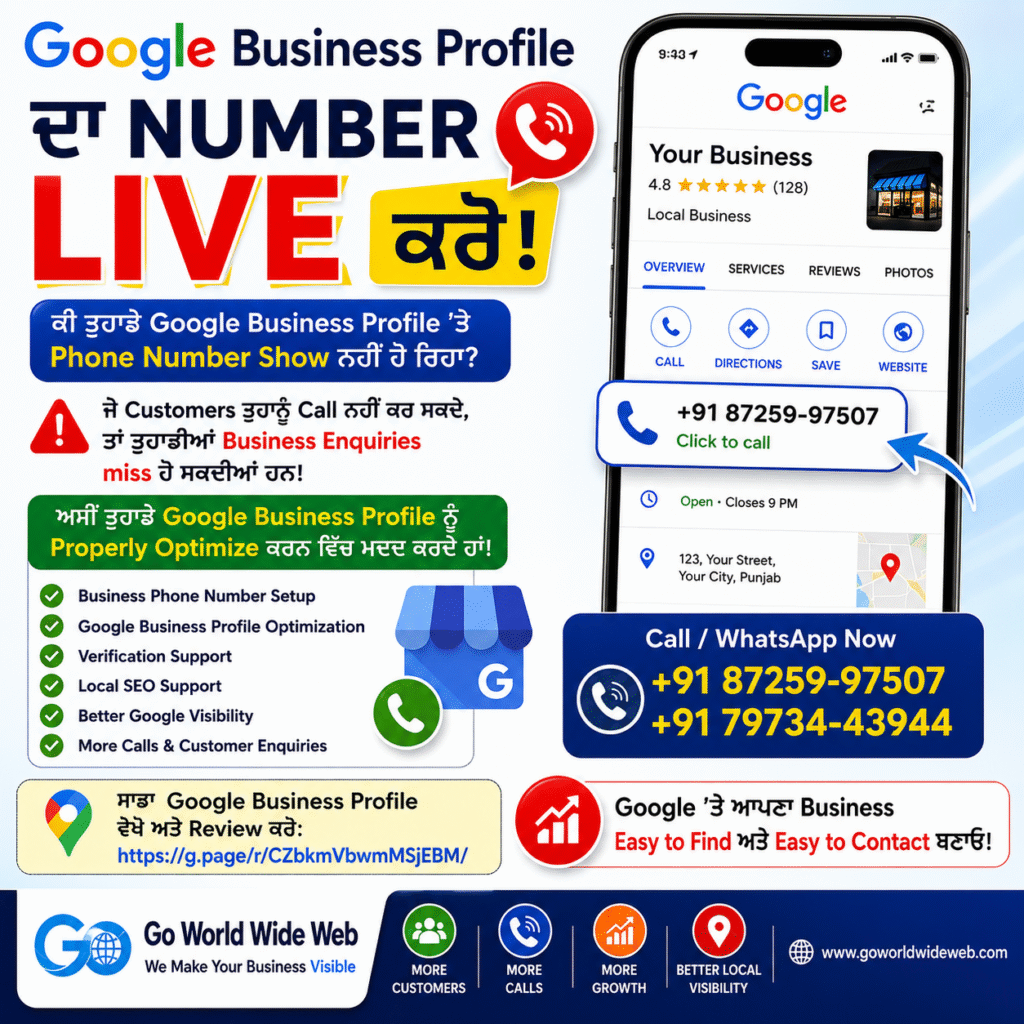
Google Business Profile Phone Number Not Showing? How to Make Your Business Number Live
Your Google Business Profile (GBP) is the single most valuable digital asset for capturing local customer intent. When potential customers search for your products or services on Google Search or Google Maps, they often look for one critical element: a direct phone number to call immediately.
However, if your business phone number is not showing, stuck on “pending review,” or removed by Google, you miss out on high-intent calls, direct sales inquiries, and foot traffic.
At Go World Wide Web, we specialize in setting up, optimizing, and recovering Google Business Profiles so your business stays visible, credible, and easy to contact.
Why Is Your Business Phone Number Critical for Local SEO?
A publicly visible and verified phone number on Google Maps acts as a direct bridge between a prospective buyer and your storefront.
When your profile is correctly configured, searchers can:
- 📞 Call your business directly with one tap on mobile.
- 📍 Get turn-by-turn navigation via Google Maps.
- 🌐 Visit your official website to learn more.
- ⭐ Review ratings and client feedback before making contact.
- 🛍️ Browse active product listings and service packages.
- 💬 Send direct messages and inquiries.
5 Major Reasons Your Phone Number Is Not Showing on Google
Google employs strict automated algorithms and region-specific guidelines (especially in regions like India) to guard profile integrity and prevent spam listings. Here is why your phone number might be hidden:
1. Phone Number Under Review or Pending Approval
When you update contact information, Google places the edit in a temporary “Pending Review” state. If automated verification cannot confirm the line, the edit remains hidden.
2. Inconsistent Business Information (NAP Mismatch)
If the phone number on your GBP does not match what appears on your website, social profiles (Facebook, Instagram, YouTube), or web directories (Yelp, Bing Places), Google flags it for inconsistency.
3. Profile Pending Verification or Re-Verification
If your profile requires video verification, postcard code entry, or live verification, secondary details like contact numbers may remain unapproved or hidden until full profile completion.
4. Violation of Google Business Representation Guidelines
Google prohibits the use of premium-rate numbers, virtual numbers, redirected call-tracking lines without proper setup, or shared lines that do not connect directly to the business location.
5. Frequent Edits Triggering Spam Filters
Making multiple phone edits in a short period triggers Google’s security filters, causing the number to get stuck in review limbo.
How to Get Your Business Phone Number Live on Google Business Profile
To restore or publish your contact number on Google Maps, follow this structured troubleshooting workflow:
Step 1: Perform a Digital NAP Consistency Audit
Before editing your profile, verify that your Name, Address, and Phone number (NAP) are identical across all online platforms:
- Your official website (Footer & Contact page)
- Social media profiles (Facebook Page, Instagram, YouTube, LinkedIn)
- Local citations and business directories (YellowPages, Justdial, Bing Places)
Step 2: Formally Request Phone Number Approval
Log into your Google Business Profile Manager dashboard:
- Go to Edit Profile > Contact.
- Enter your standard local business number (formatted cleanly without extra symbols or text tags).
- Click Save and wait 48 to 72 hours for automated review.
Step 3: Implement Local Business Schema Markup
Add JSON-LD LocalBusiness structured data to your website codebase. This helps Google’s web crawlers directly read your site’s contact phone number and validate it against your GBP listing.
Step 4: Submit Additional Proof via Google’s Phone Support Form
If your number remains pending or rejected after 3 business days, submit a formal appeal through the Google Business Profile Help Center. Prepare official documentation showing your business name and phone number:
- Utility bills (Electricity, Internet, Telephone)
- Business license / Registration certificate
- Storefront signage photos displaying the phone number clearly
Step 5: Optimize Full Profile Completeness
Complete all profile sections—business categories, primary service area, working hours, cover photos, and business description. Complete, verified listings receive higher automated approval weights from Google algorithms.
Why Local SEO Matters Beyond Just Adding a Phone Number
A visible contact number is only one piece of the puzzle. To achieve a top ranking in the Google Maps 3-Pack, your business needs a holistic Local SEO Strategy:
                  ┌─────────────────────────────────────────┐
                  │    Google Maps Local 3-Pack Visibility │
                  └────────────────────┬────────────────────┘
                                       │
         ┌─────────────────────────────┼─────────────────────────────┐
         ▼                             ▼                             ▼
┌─────────────────┐           ┌─────────────────┐           ┌─────────────────┐
│  GBP Profile    │           │   On-Page &     │           │  Local Citations│
│  Optimization   │           │   Local Content │           │  & NAP Signals  │
└─────────────────┘           └─────────────────┘           └─────────────────┘
A complete strategy includes:
- Targeted Local Keyword Integration: Optimizing titles, services, and posts around local intent queries.
- Review Generation & Management: Encouraging authentic customer feedback and replying promptly.
- Geo-Tagged Visual Content: Uploading high-quality images and updates continuously.
- Citation Building: Creating high-authority local backlinks and directory consistency.
Partner with Go World Wide Web for Guaranteed GBP Growth
Fixing GBP visibility issues requires technical expertise, guideline adherence, and patience. At Go World Wide Web, we handle end-to-end Local SEO and profile troubleshooting so you can focus on running your operations.
Our Core Digital Marketing & Local SEO Services:
- ✅ Google Business Profile Setup & Reinstatement
- ✅ Phone Number Verification & Appeal Management
- ✅ Local SEO & Map Pack Ranking Optimization
- ✅ Website SEO & Technical Schema Implementation
- ✅ Citation Audit & NAP Consistency Cleanup
- ✅ Review Building Strategy & Content Publishing
Frequently Asked Questions (FAQs)
Q1. Why is my phone number not showing on Google Business Profile?
Your phone number may be stuck in review, mismatched across web citations, missing during initial profile verification, or flagged for violating Google’s representation policies.
Q2. How long does Google take to approve a pending phone number?
Standard edits usually process within 24 to 72 hours. If manual review or documentation support is required, approval can take between 5 to 14 business days.
Q3. Should my website and Google Business Profile use the exact same phone number?
Yes. Maintaining identical contact details across your website footer, contact pages, and directory listings builds NAP trust and accelerates automated verification.
Q4. What documents does Google accept to verify a business phone number?
Google typically requests official business documents showing both your business name and address/phone number, such as utility bills, tax certificates, business registration licenses, or storefront photo proof.
Q5. Can Go World Wide Web help resolve stuck or suspended GBP listings?
Yes, Go World Wide Web offers complete profile audit, recovery, phone verification, and Local SEO ranking services for businesses.
Get Your Profile Fixed & Start Receiving Calls Today!
Don’t let missing contact details turn potential clients away to your competitors. Contact the local SEO experts at Go World Wide Web to audit and fix your listing!
- 📞 Call / WhatsApp: +91 87259-97507 | +91 79734-43944
- 🌐 Website: www.goworldwideweb.com
- 📍 Google Business Profile: Visit Our Business Listing